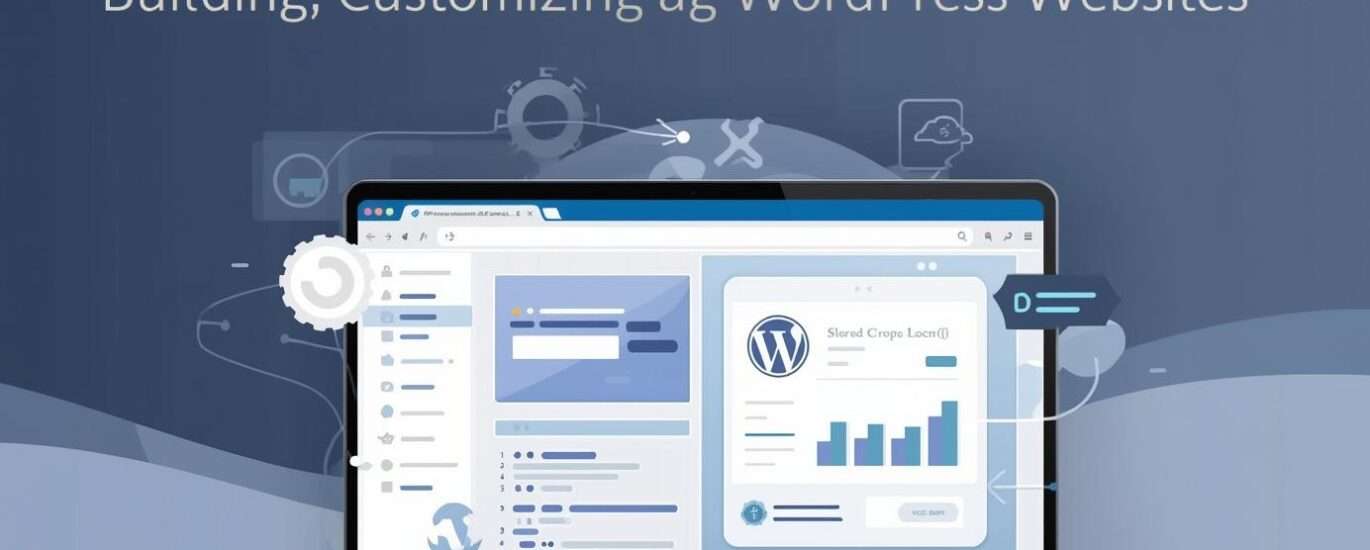
WordPress powers a massive portion of the internet, making it one of the most valuable skills for developers, freelancers, and entrepreneurs. However, most beginners struggle because they follow scattered tutorials without a structured system. This tutorial WordPress development guide provides a complete roadmap—from fundamentals to advanced customization—so you can build real-world, scalable WordPress projects.
What is WordPress Development?
WordPress development involves creating, customizing, and managing websites using the WordPress platform. It includes:
- Theme development
- Plugin development
- Website customization
- Performance optimization
There are two main approaches:
- No-code / low-code (using themes and plugins)
- Custom development (using PHP, JavaScript, and WordPress APIs)
Why Learn WordPress Development?
High Demand Skill
Businesses worldwide use WordPress for websites, blogs, and e-commerce.
Freelancing Opportunities
You can build websites for clients or sell themes and plugins.
Scalable Business Potential
WordPress can be used to build full digital businesses.
WordPress + Growth Systems
WordPress becomes more powerful when combined with marketing and automation systems. This concept is explained in Tools Startup Growth Strategy.
The Complete Tutorial WordPress Development Roadmap
To master WordPress, follow a structured system instead of random learning.
Stage 1: Understanding How WordPress Works
Before building anything, understand the basics.
Core Components
- WordPress Core – the main system
- Themes – control design
- Plugins – add functionality
- Database – stores content
Types of WordPress
- WordPress.org – self-hosted (recommended)
- WordPress.com – hosted version
Stage 2: Setting Up Your Development Environment
Option 1: Local Development
Tools:
Option 2: Live Hosting
- Buy domain and hosting
- Install WordPress
Why Local Setup is Better
- Safe testing environment
- Faster development
- No risk of breaking live site
Stage 3: Learning WordPress Dashboard
Key Sections
- Posts and Pages
- Media Library
- Appearance (Themes)
- Plugins
- Settings
Beginner Tip
Spend time exploring the dashboard before customization.
Stage 4: Working with Themes
What is a Theme?
A theme controls:
- Layout
- Design
- Typography
Popular Themes
Customization Options
- Colors
- Fonts
- Layout structure
Stage 5: Using Plugins (Extending Functionality)
Essential Plugins
SEO Plugins
Security Plugins
Performance Plugins
Page Builders
Strategy Tip
Avoid installing too many plugins—focus on performance.
Stage 6: Page Building (No-Code Approach)
Using Elementor
Create pages visually without coding.
What You Can Build
- Landing pages
- Business websites
- Blogs
Advantage
Fast development for beginners.
Stage 7: Learning Basic Coding for WordPress
To go beyond basic customization, learn coding.
Languages to Learn
- HTML
- CSS
- JavaScript
- PHP
Why Coding Matters
- More control
- Custom functionality
- Better performance
Learning Path
If you’re starting from scratch, follow For Beginners Learn Web Development.
Stage 8: Theme Development (Advanced)
What You Learn
- Template hierarchy
- Theme files
- Custom layouts
Key Files
style.cssfunctions.phpindex.php
Stage 9: Plugin Development
Why Build Plugins?
- Add custom features
- Solve specific problems
Example
Create a plugin to add custom functionality.
<?php
/*
Plugin Name: Custom Feature
*/
function my_custom_function() {
    echo "Hello from plugin!";
}
add_action('wp_footer', 'my_custom_function');
?>
Stage 10: Database and Backend Understanding
Database Basics
WordPress uses MySQL.
What to Learn
- Tables (posts, users, options)
- Queries
- Data management
Stage 11: Performance Optimization
Key Areas
- Image optimization
- Caching
- Minification
Tools
SEO Connection
Performance affects rankings. Learn more in Guide Technical SEO.
Stage 12: Security Best Practices
Key Measures
- Strong passwords
- Regular updates
- Security plugins
Stage 13: Deployment and Hosting
Hosting Providers
- Shared hosting
- VPS
- Cloud hosting
Deployment Steps
- Upload files
- Configure database
- Test website
Stage 14: WordPress + Marketing Systems
WordPress is not just for websites—it’s a growth platform.
Use Cases
- Affiliate websites
- Business websites
- SaaS landing pages
Automation Integration
A deeper breakdown is covered in Marketing Automation Tools for Business.
Stage 15: Real-World WordPress Project
Example: Business Website
Step 1: Setup WordPress
Step 2: Install Theme
Step 3: Customize Design
Step 4: Add Content
Step 5: Optimize SEO
Step 6: Launch
LSI Keywords for SEO Optimization
This article includes:
- WordPress development tutorial
- how to build WordPress website
- WordPress theme development
- WordPress plugin development
- beginner WordPress guide
- WordPress customization
Common Mistakes to Avoid
Using Too Many Plugins
Leads to slow performance.
Ignoring Security
Can lead to hacks.
Not Learning Basics
Limits growth.
Poor Hosting Choice
Affects speed and reliability.
Advanced WordPress Strategies
Custom Post Types
Create custom content structures.
Headless WordPress
Use WordPress as backend with frontend frameworks.
Automation Workflows
Integrate with tools like:
Future of WordPress Development
- Headless CMS growth
- AI integration
- Performance optimization tools
- No-code + code hybrid systems
Final Thoughts
A successful tutorial WordPress development journey focuses on:
- Strong fundamentals
- Practical projects
- Gradual learning of advanced topics
- Integration with business systems
WordPress is not just a CMS—it’s a complete ecosystem for building scalable digital platforms.
Read More:
For Beginners Learn Web Development
Tools Startup Growth Strategy
Guide Technical SEO